The purpose of this guide is to show how you can report an e-mail as "Not Junk" if needed. After reported, you will see future e-mails from that sender in your inbox.
-
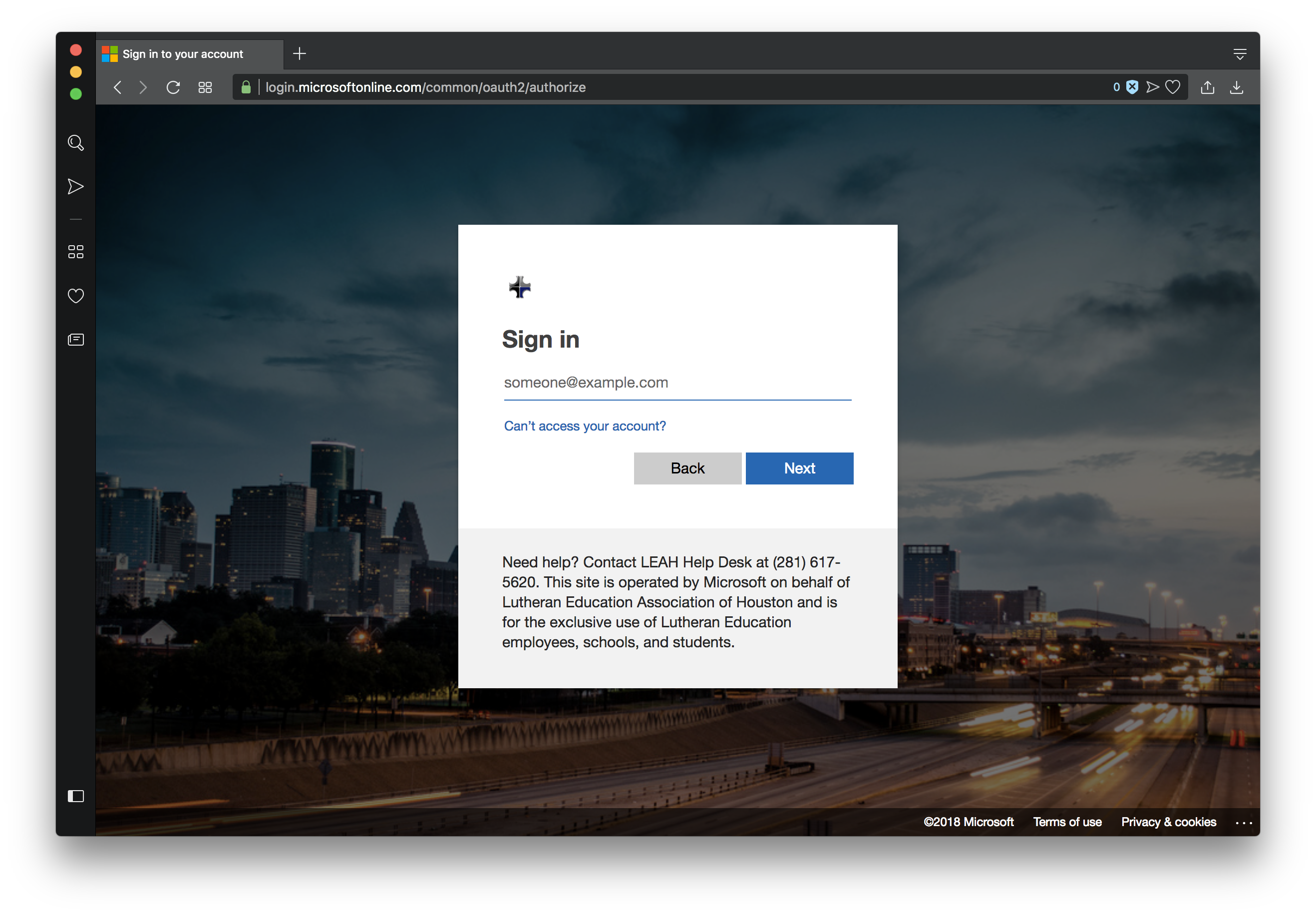
Sign into Outlook 365.
-
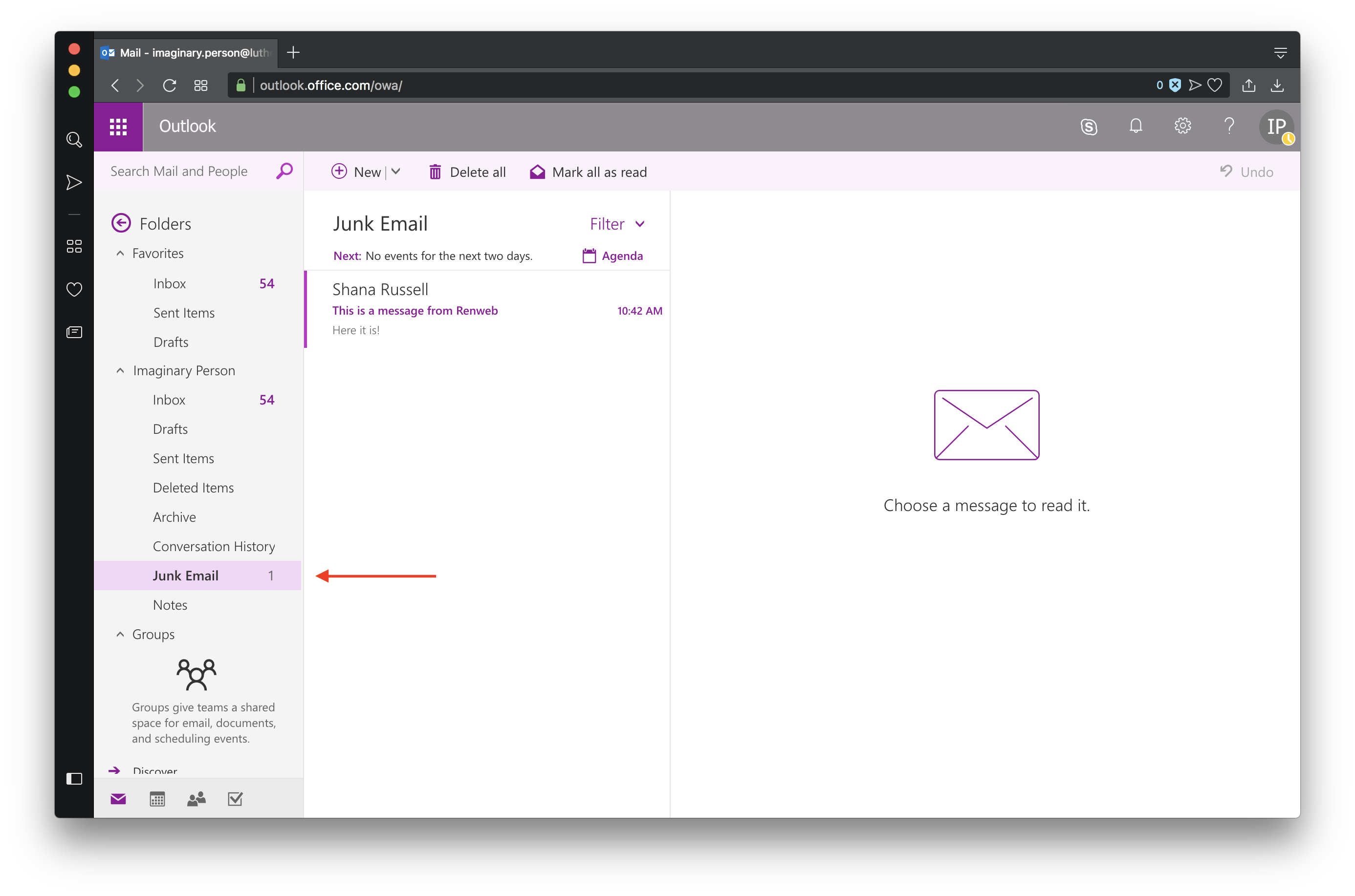
Navigate to your "Junk Mail" folder.
-
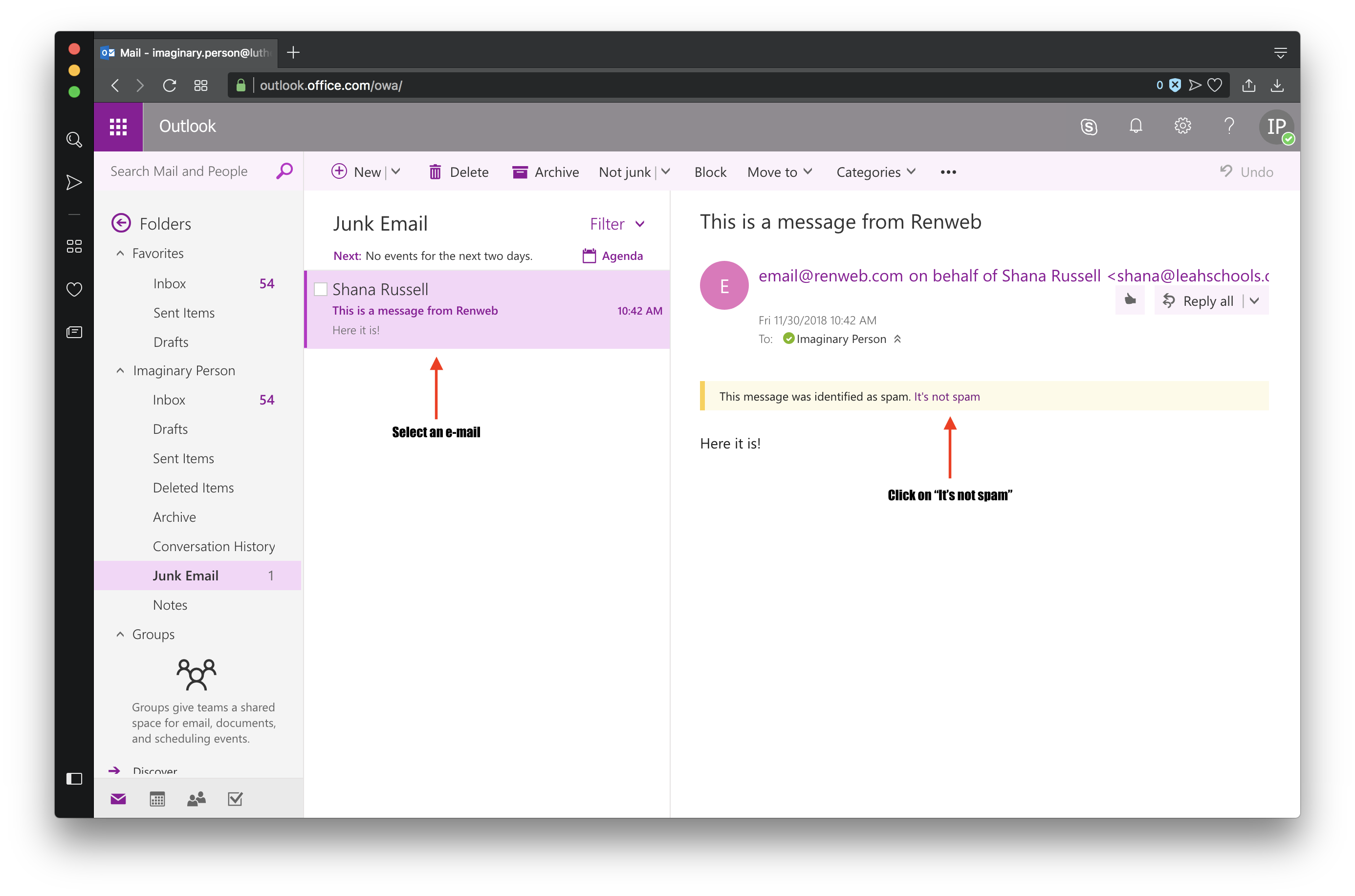
Select the e-mail you'd like to report and click "It's Not Spam".
-
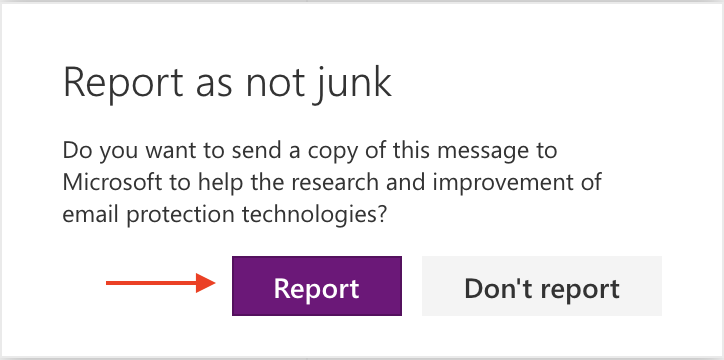
A message pop-up box will appear - "Report as not junk" - Click 'Report'.